


Welcome back to our quarterly product roundup! Over the last three months, Taskize has deployed new and enhanced functionality for organising end-user workloads and speeding up query routing alongside more efficient and secure integrations with third-party platforms. Here's what's new.

1. Organise your Bubbles with labels
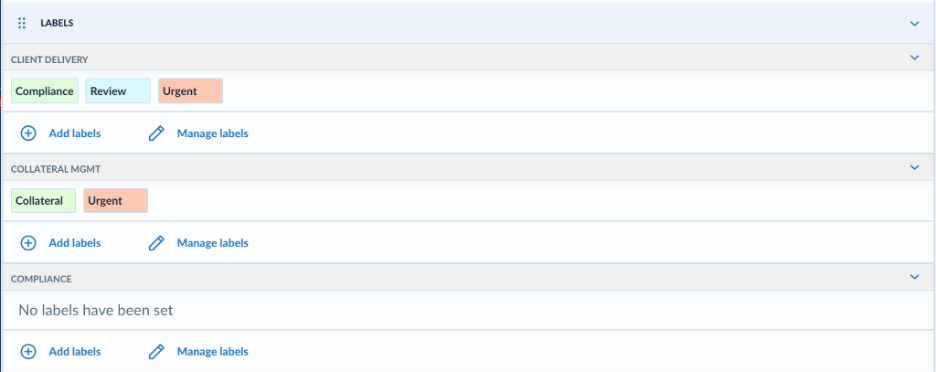
End-users and admins can now categorise Taskize Bubbles within business units using labels. Each business unit defines its own set, so you only see the labels relevant to your teams. Filter and sort by label, add a Labels column to your Investigation view, or apply labels automatically with email rules.
Labels are initially available to selected clients – reach out to your customer success representative if you would like them enabled for your organisation.
Client Help Centre > Documentation > Labels
2. Route work across multiple attribute values
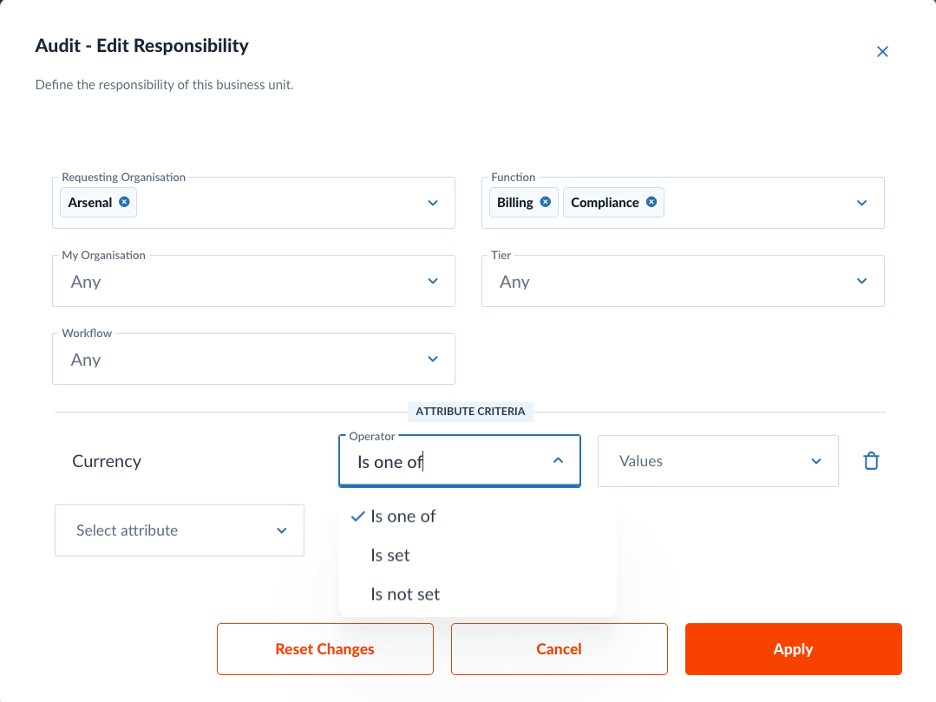
For anyone routing high volumes of complex queries on Taskize, Smart Directory routing now supports an "Is one of" operator. Administrators can match a responsibility against several values of an enum attribute at once. This means quicker, simpler routing rules, with no need to create a separate rule for each value. For example, instead of creating separate rules for Mandatory and Voluntary corporate actions, a single rule can route both to the same team — quicker to set up and easier to maintain.
Client Help Centre > Documentation > Smart Directory routing
3. Embed Taskize securely in your own platform
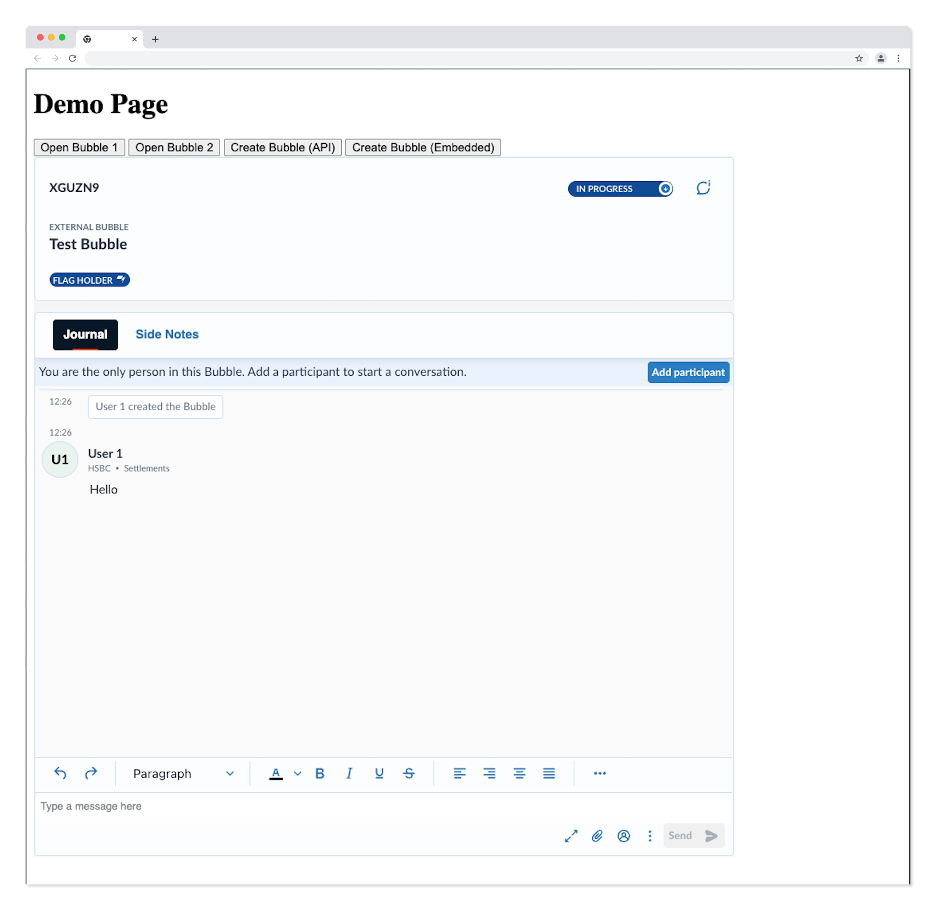
For developers at both Taskize clients and in the broader fintech community, we’re pleased to flag that partner platforms can now embed Taskize directly within their own web-based apps using an iframe. Embedded sessions stay fully isolated from direct Taskize sessions. Your users get a seamless, in-context experience without compromising security.
Client Help Centre > Documentation > Embedded Iframe Integration
4. Set shared Bubble attributes through the API
For that same audience, when creating or updating a Bubble through the API, counterparties can now set and modify shared attributes owned by another tenant. The owning tenant must be in, or be invited into, the Bubble. This brings the API in line with what is already possible in the UI, so your integrations can manage shared attributes end-to-end.
Client Help Centre > Documentation > API changelog
5. Keep an audit trail of presence-based work allocation
Finally, for those clients and partners connecting Taskize to an upstream platform, the platform can now use the Heartbeats API to report which of your users are available. Taskize then allocates Bubbles raised by counterparties only to people who are ready to respond.
Those presence updates are now captured for audit. Each record logs the request type, the user's online status before and after the request, and any timeouts when a heartbeat is not renewed. If you integrate Taskize for work allocation, then you have a complete, traceable history for compliance and troubleshooting.
Client Help Centre > Documentation > User status API
Have questions or feedback? We'd love to hear how you're using these features. Contact your customer success representative, reach out to our Support team, or explore the full Taskize documentation for step-by-step guides.
Taskize Platform Updates – What's New in Q1 2026?

Taskize in the media — Quarter 2, 2026 round-up
No Comments Yet
Let us know what you think